

Shopee e-Invoice for Malaysian Sellers: What You Actually Need to Do
Shopee issues e-invoices to LHDN for Malaysian sellers. Your role: update your TIN, know the two invoice types, and download both for tax records.
Shopee handles e-invoicing for Malaysian sellers automatically. But three things remain your job: updating your TIN in Seller Centre, understanding which of the two e-invoice types covers what, and downloading both for your tax records. Skip these steps, and your books have gaps even though the legal submission is technically covered.
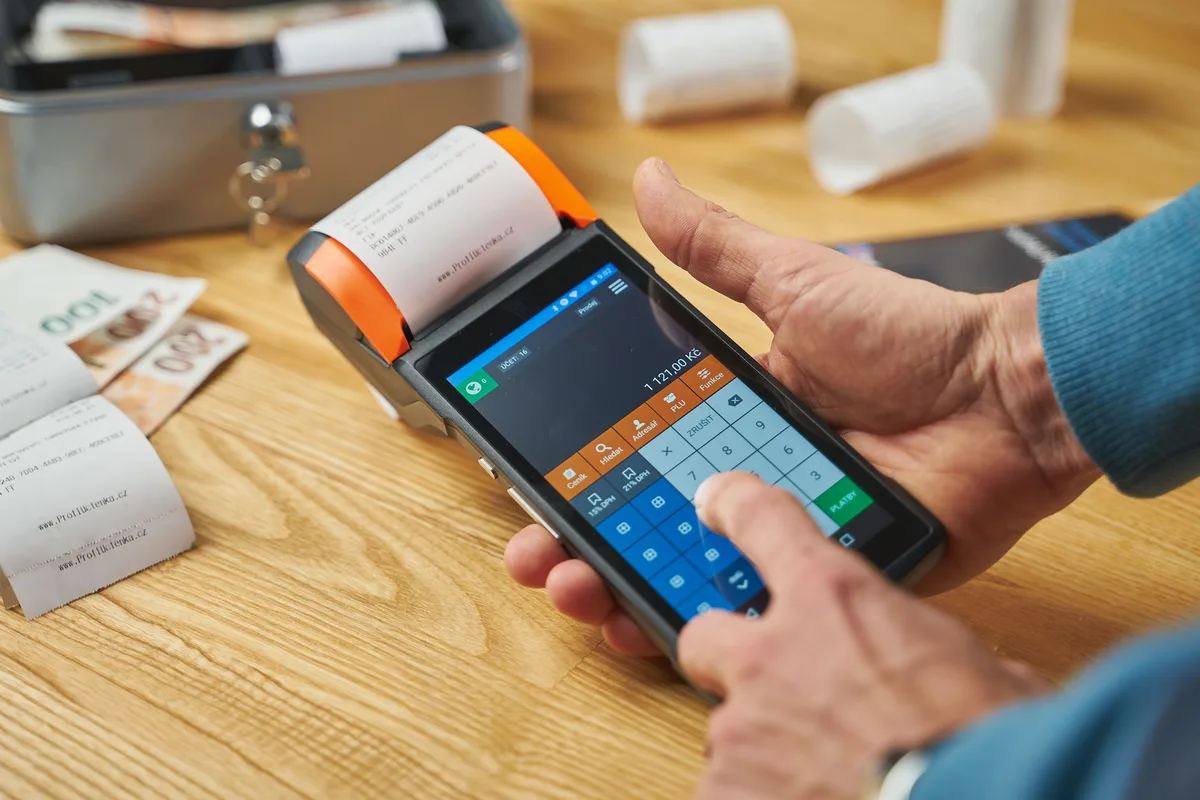
What Is Shopee e-Invoice and Why It Matters for Malaysian Sellers
Malaysia’s e-Invoice mandate — administered by LHDN (Inland Revenue Board of Malaysia / IRBM) through the MyInvois portal — rolled out in phases starting August 2024. The system requires businesses to issue digitally validated invoices for commercial transactions instead of paper documents or unvalidated PDFs.
For Shopee Malaysia sellers, the critical distinction is this: Shopee is classified as a marketplace operator under LHDN’s framework (per the e-Invoice Specific Guideline v4.6, Section 2.1). That means Shopee — not you — carries the legal obligation to issue e-invoices to buyers for marketplace transactions and submit them to MyInvois for validation.
What this means in practice: you do not register separately with LHDN for your Shopee sales, you do not submit XML files to MyInvois, and you do not issue your own e-invoices to Shopee buyers.
What you do instead: keep your business information accurate in Seller Centre so Shopee can generate valid e-invoices on your behalf, then download both types of e-invoices Shopee produces for your accounts.
This guide walks through every step for Shopee Malaysia sellers — from initial setup through downloading your records — including what changes if you also sell through your own website or other direct channels.
Step 1: Understand What Shopee Does vs. What You Are Responsible For
Shopee Malaysia, as a marketplace operator, issues e-invoices to buyers on behalf of sellers for all Shopee platform transactions. Per Shopee’s official e-Invoicing FAQ, Shopee facilitates e-invoice issuance, submits transactions to LHDN’s MyInvois portal for validation, and delivers validated e-invoices to buyers. The seller’s obligations are limited to maintaining accurate business details in Seller Centre — including a valid TIN — and retaining e-invoice records for tax purposes.
Shopee’s role covers the part that most sellers worry about: the LHDN submission. Your role is narrower but still important.
What Shopee handles automatically:
- Generating e-invoices for all completed Shopee transactions
- Submitting e-invoices to LHDN’s MyInvois portal for validation
- Issuing validated e-invoices to buyers who request them
- Issuing self-billed e-invoices to sellers for sales payouts
- Issuing normal e-invoices to sellers for commission and fee charges
What you are responsible for:
- Providing accurate TIN, business name, and identity details in Seller Centre
- Downloading your e-invoice records for your own tax bookkeeping
- Issuing e-invoices independently for any sales made outside the Shopee platform (your own website, direct bank transfers, etc.)
The most common mistake: assuming “Shopee handles it” means zero seller action. That is true for LHDN submission — but your bookkeeping still depends on the documents Shopee generates, and those require accurate seller details to be valid.
Step 2: Update Your TIN and Business Details in Seller Centre
Before Shopee can issue LHDN-compliant e-invoices on your behalf, your Tax Identification Number (TIN) must be accurate in Seller Centre. Shopee requires this information to generate valid e-invoices — without it, the documents Shopee produces cannot comply with LHDN’s mandatory data fields. Individual sellers use their NRIC-linked TIN (beginning with “IG”); registered businesses use their company TIN.
This is the setup step most sellers skip, and it creates compliance gaps downstream.
What to update in Seller Centre:
Individual sellers need: full legal name (matching your NRIC exactly), NRIC number, TIN (starts with “IG” for individuals — retrieve yours from MyTax portal if unknown), contact number, and address.
Registered business sellers need: company name matching SSM documents, SSM registration number, company TIN, and registered business address.
How to update: Go to Seller Centre > My Account > Business Information. Update all fields and save. Changes apply to e-invoices issued after the update — previous transactions with incomplete data are not retroactively corrected.
If you are unsure of your TIN, check the LHDN MyTax portal using your NRIC. Individuals who have filed income tax in Malaysia already have a TIN on record.

Step 3: Understand the Two Types of e-Invoices Shopee Issues to You
Shopee issues two distinct types of e-invoices to sellers. A self-billed e-invoice covers the sales revenue Shopee collected from buyers and paid out to you — Shopee acts as the “buyer” in this transaction for tax purposes. A normal e-invoice covers Shopee’s own charges to you: commission, transaction fees, advertising costs, and other platform service fees. Both documents are issued on a fortnightly cycle after LHDN validation.
Confusing these two document types leads to accounting errors. They represent opposite cash flows.
| e-Invoice Type | What It Covers | Who Issues It | Direction |
|---|---|---|---|
| Self-billed e-invoice | Sales revenue Shopee collected and paid out to you | Shopee (on behalf of you as supplier) | Money flowing TO you |
| Normal e-invoice | Shopee’s commission, transaction fees, advertising costs | Shopee (as service provider) | Money flowing FROM you |
Self-billed e-invoice: Under LHDN’s e-invoicing framework (Specific Guideline v4.6, Section 8.3), marketplace platforms that collect money from buyers and remit it to sellers are treated as the “buyer” of seller goods for compliance purposes. Shopee therefore issues a self-billed e-invoice to you for the total sales amount it processed and paid out. This is your evidence of sales revenue for income tax purposes.
Normal e-invoice: Shopee’s commission and fee charges are its own commercial income. Shopee issues a normal e-invoice to you as the buyer of its platform services. This document is your record of deductible business expenses — platform commission, transaction fees, Shopee Ads costs, and any other service charges.
Both documents appear separately in Seller Centre. Both matter for accurate tax filing.
Selling on Shopee but not sure if your store is set up for long-term profitability? Take the Seller Readiness Scorecard to check 12 key areas of your Malaysia marketplace business. Free. Takes 3 minutes.
Step 4: Download Your e-Invoices from Seller Centre
Your Shopee e-invoices are available in Seller Centre under Finance > My Income, issued every two weeks after LHDN validation. Two separate sections hold the two invoice types: My Tax E-Invoices for normal invoices (Shopee’s charges to you) and My Self Billed E-Invoices for your sales revenue records. Per Shopee Seller Centre documentation, sellers can print e-invoices by opening the relevant Master Invoice from either section.
Here is the exact navigation path for each document type:
To access normal e-invoices (Shopee’s fees and commissions):
- Log in to Shopee Seller Centre
- Go to Finance
- Click My Income
- Select My Tax E-Invoices
- Click on the relevant Master Invoice to view or download
To access self-billed e-invoices (your sales revenue):
- Log in to Shopee Seller Centre
- Go to Finance
- Click My Income
- Select My Self Billed E-Invoices
- Click on the relevant Master Invoice to view or download
E-invoices are issued fortnightly, not per-transaction. You will see consolidated master invoices covering a two-week period rather than individual documents per order. Per Shopee Seller Centre’s education resources (as of April 2026), to print the e-invoices, click on the Master Invoice entry and use your browser’s print function.
How often should you download these? Keep a routine — download both invoice types monthly and store them alongside your bank statements and other business records. LHDN requires records to be kept for a minimum of 7 years under the Income Tax Act 1967.

Step 5: Handle Buyer e-Invoice Requests
Buyers on Shopee Malaysia can request an individual e-invoice for their order. Shopee handles the entire process automatically — you do not need to take any action. The buyer submits a request at the Order Details page after order completion, provides their personal or business details, and Shopee issues the validated e-invoice to their email after LHDN verification. Per Shopee’s official FAQ, buyers have until the 3rd day of the following month from order completion to submit their request.
The buyer goes to the Order Details page in the Shopee app, taps the e-invoice request option, fills in their required details (name, NRIC or SSM number, address, contact, and SST number where applicable), and submits. Shopee generates the e-invoice, submits it to MyInvois for validation, and sends the validated PDF to the buyer’s email. You do not action this at all.
One caveat: if your business details in Seller Centre are incomplete (missing TIN, wrong name), the e-invoice Shopee generates may not accurately reflect your supplier information. This is why Step 2 matters even when buyer requests feel like a Shopee-only workflow.

Step 6: Know What Changes If You Sell Outside Shopee
The marketplace operator exemption only covers sales made through the Shopee platform. If you also sell through your own website, accept direct bank transfers, or sell via any non-marketplace channel, you must issue e-invoices independently for those transactions. Under LHDN’s phased rollout (per the e-Invoice Specific Guideline v4.6), the applicable phase depends on your total annual revenue across all channels — not just your Shopee revenue.
This is where the situation changes significantly for multi-channel Malaysian sellers.
LHDN’s phase thresholds (as of 2026) — based on total annual revenue:
| Revenue Threshold (Annual, FY2022) | Mandatory From | Current Status |
|---|---|---|
| Above RM 5 million | 1 July 2025 | Phase 3 — Enforced |
| RM 1 million to RM 5 million | 1 January 2026 | Phase 4 — Active (relaxation period until 31 Dec 2026) |
| Below RM 1 million | Not yet mandated | Check MSME exemption criteria |
Source: LHDN e-Invoice Specific Guideline v4.6, Section 2.1. Consult LHDN’s official site for updates, as thresholds and timelines are subject to change.
If your combined Shopee revenue plus any other income sources exceeds RM 1 million, your direct sales channels are subject to the mandate. Shopee handles the platform portion. The rest is your responsibility.
For direct website sales, options include connecting to LHDN’s MyInvois portal directly via API, or using middleware solutions that integrate with platforms like Shopify or WooCommerce and handle e-invoice submission automatically.
The key rule: do not add your website revenue and Shopee revenue and conclude you are over the threshold, then assume Shopee’s coverage extends to your website sales. Those are two separate obligations.
Frequently Asked Questions
Does Shopee automatically issue e-invoices for Malaysian sellers?
Yes. Shopee Malaysia, as a marketplace operator, issues e-invoices on behalf of sellers for all platform transactions and submits them to LHDN’s MyInvois portal. You do not need to submit e-invoices to LHDN yourself for Shopee sales. Your responsibility is to keep your TIN and business details accurate in Seller Centre.
What is a self-billed e-invoice on Shopee Malaysia?
A self-billed e-invoice on Shopee is issued by Shopee to you (the seller) for the sales revenue Shopee collected and paid out on your behalf. It is separate from the normal e-invoice Shopee issues to you for its own commission and service fee charges. Both types appear in Seller Centre under Finance > My Income.
Where do I download my Shopee e-invoice in Seller Centre?
Go to Seller Centre > Finance > My Income > My Tax E-Invoices for commission and fee invoices, or My Self Billed E-Invoices for sales payout invoices. Per Shopee’s official documentation, e-invoices are issued every two weeks after LHDN validation is complete. Download both types for your accounting records.
Do I need SSM registration to receive Shopee e-invoices?
No. Individual sellers receive e-invoices using their full name, NRIC number, and TIN. SSM registration is only required for business entity sellers. Both individual and registered business sellers must provide a valid TIN in Seller Centre for Shopee to generate accurate, LHDN-compliant e-invoices on their behalf.
What if a buyer requests an individual e-invoice for a Shopee order?
Shopee handles buyer e-invoice requests automatically. The buyer submits the request at the Order Details page, providing their details. Shopee issues the e-invoice and submits it to LHDN’s MyInvois portal. The validated e-invoice is sent to the buyer’s email. Per Shopee’s FAQ, buyers have until the 3rd day of the following month from order completion to request.
Keep Reading
- How to Sell on a Marketplace in Malaysia — Platform fees, store setup, logistics, and what new Malaysian sellers get wrong
Frequently Asked Questions
Does Shopee automatically issue e-invoices for Malaysian sellers?
What is a self-billed e-invoice on Shopee Malaysia?
Where do I download my Shopee e-invoice in Seller Centre?
Do I need SSM registration to receive Shopee e-invoices?
What if a buyer requests an individual e-invoice for a Shopee order?
Related Articles
How to Delete a Shopee Account in Malaysia (2026 Guide)
Delete your Shopee Malaysia account in the app. See the steps, what to clear first (ShopeePay, SPayLater, orders) and Vacation Mode for sellers.
Shopee Seller Philippines: A Malaysia Seller's SIP Guide
Want to reach Filipino buyers from your Shopee Malaysia store? Here's how Shopee's SIP program actually works, who gets invited, and what it costs.
How to Set Up Shopee e-Invoicing in Malaysia (2026)
Set up Shopee e-invoicing in Malaysia: get your TIN from MyTax, update Seller Centre, download your fortnightly records. 4 steps for Malaysian sellers.
Before you go, grab the Shopee setup playbook
Registration, first listing, COD activation, ShopeePay setup. 15 pages, annotated screenshots.
No spam. Unsubscribe anytime.